How to Reduce Screen Time: A Guide That Actually Holds

You open your phone to check one thing at 9pm, and the next time you look up it’s 11:40 and you couldn’t name a single thing you saw. That is the honest reason most advice on how to reduce screen time doesn’t survive a week: it treats a high number as a character test, when you already know your number is high and knowing has never once made it lower.
I work on a screen all day and build my own AI tools, so I’m not about to tell you to go live in a field. What I can tell you is which of these changes actually held for me once the novelty wore off, tested rather than theorized.
If you’d rather do the intensive version, I’ve written a structured seven-day reset separately. This one is the slower guide: the changes you keep once the reset week is over.
Below I cover how to tell your useful hours from the leaked ones, the ten-minute setup that buys the fastest win, the daily habits that hold the gains, and what to do when you start swiping past your own limits.
Not all screen time is the problem
Before you change anything, split your hours into two piles. That same split, useful screen use on one side and the compulsive kind on the other, is what drives a dopamine detox too.
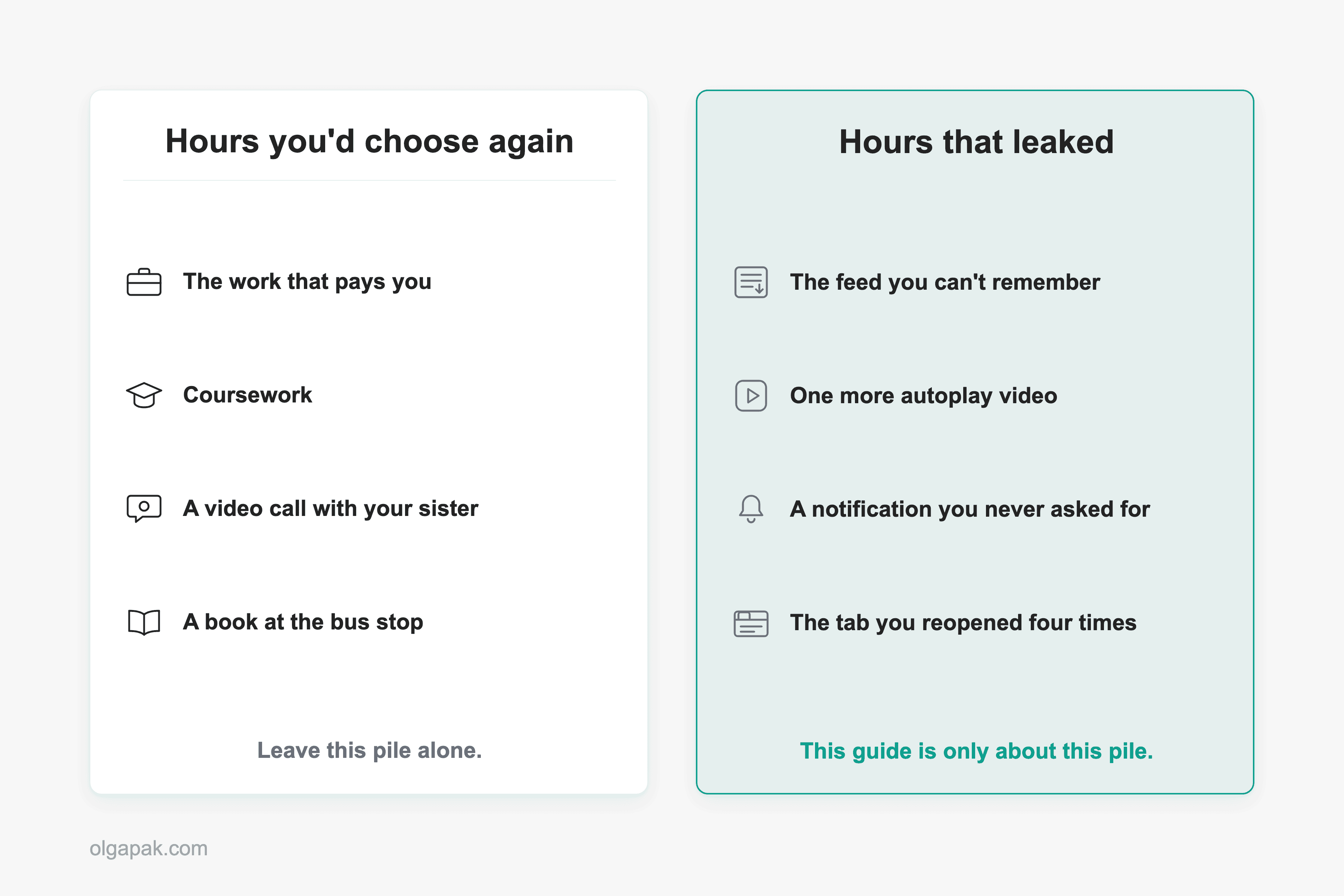
- The screen time you’d choose again: the work that pays you, the coursework, the video call with your sister, the book you read on your phone at the bus stop.
- The screen time that leaked: the fifteen minutes waiting for the kettle that became fifty, the reels you can’t remember, the tab you reopened four times without reading it.
Nobody chooses the second pile. It fills the gaps between things, then starts filling the things themselves. This guide is only about that pile. Most screen-time advice quietly aims at both at once, which is why it lands like being told to want less out of your day.
There’s a real counterargument circulating and it deserves an honest paragraph. One person on X argued that phone use isn’t the villain and the only question worth asking is what you’re doing with it. Half of that is true, and it’s the half this guide is built on: the hours genuinely aren’t equal, and a flat “get the number down” goal treats an hour of talking to people you love the same as an hour of autoplay. The other half I’d push back on, because sorting your life into productive and wasted just adds a second layer of guilt on top of the first. Nope. Rest counts. Doing nothing on purpose counts.
So the question isn’t how much you’re on your phone. It’s this: how much of it would you sign up for again?
Step 1: Get your real number before you change anything
You can’t cut what you’ve never measured, and the number is already sitting on your phone waiting for you to look at it.
On an iPhone, open Settings and tap Screen Time, where you can find your usage in Screen Time on an iPhone broken down by day, by week, and by app. On Android, the same picture lives in Digital Wellbeing on Android, usually under Settings, then Digital Wellbeing and parental controls.
Then look past the big total, because the total is the least useful thing on that screen. Three things underneath it tell you far more:
- The per-app breakdown, because this is where the two piles separate. One line will be much higher than you expected, and it’s usually not the one you’d have guessed.
- The pickup count, because pickups are what reveal leaking. Four long sessions is a habit. Ninety short ones is a reflex.
- The hour-by-hour graph, because leaked time clusters. There’s usually one window doing most of the damage, and for a lot of us it’s the stretch after dinner.
So what do you do with all that?
Write two numbers down, on paper, where you’ll see them. Your weekly total, and your best honest guess at the leaked share of it. Set a target for the leaked number only. Not for the total, ever.
And make the target specific enough to fail or pass. One commenter on r/digitalminimalism said this to someone who was drowning in their own screen time report, and it’s the most useful line in the thread: “your goals for this are pretty vague.” Their advice was to write down something you can actually check, like no phone while eating, or no phone for the first 30 minutes after waking up. A vague intention to use your phone less has nothing to hold onto. A written rule with a time attached to it does.
This step is unglamorous and takes about as long as making a cup of tea. Do it anyway. Every fix after this one aims at a number you can watch move.
Step 2: The ten-minute setup
Everything in this tier is a settings change, and you can have the whole lot done tonight.
Start with the checklist. Each of these is one action, and I’ve given you the reason in a sentence rather than a lecture:
- Turn off notifications for anything that isn’t a person. A badge from an app is someone else deciding when your attention starts.
- Take the social apps off your home screen. If you have to search for an app by name, you’ve already had the half-second you needed to notice you didn’t mean to open it.
- Schedule grayscale for the evening. The color is part of what makes a feed feel rewarding, so draining it takes the shine off around the hour you need it gone.
- Turn on Do Not Disturb, or a Sleep and Downtime schedule. It decides your cut-off once, in daylight, instead of asking you to decide it at midnight.
- Put your charger somewhere that isn’t your bedside table. The phone you have to stand up to reach is a different phone.
Those first three are the trigger-level fixes, and I walk through each of them properly in my guide on how to stop doomscrolling. If one of them is the whole problem for you, go deep over there instead of here.
Now, where does the actual limit live?
This is the part almost nobody explains: actually setting an app limit. It’s four taps on either platform, and plenty of people have never found the screen.
On an iPhone:
- Open Settings, tap Screen Time, then App Limits, then Add Limit.
- Pick a category rather than a single app. Social, or Entertainment, or Games.
- Set the amount of time you’re allowing per day, then tap Add.
- Go back into the limit and turn on Block at End of Limit, which is the difference between a notification and an actual stop.
On Android:
- Open Settings, then Digital Wellbeing and parental controls, then Dashboard.
- Tap the hourglass icon next to the app you want to cap.
- Set an app timer. The app goes grey and stops opening when the time is used up, and the timer resets at midnight.
- While you’re in there, set a Bedtime schedule too, since it’s the same three taps.
Pick the category, not the single app. This is the one piece of setup advice I’d argue for hardest, because capping Instagram alone doesn’t reduce anything: your attention simply relocates to whatever’s next on the list, and now you feel like you failed on top of it. A shared thirty minutes across everything in Social is a budget. A cap on one app is a game of whack-a-mole you always lose.
One honest expectation before you move on. This tier buys a real drop, fast, and for a lot of people it quietly stops working once the novelty wears off. Step 4 covers exactly that, so don’t treat it as your fault when it happens.
Step 3: The daily habits that hold the gains
Settings get you the first drop. What you do with your hands and your rooms is what keeps it.
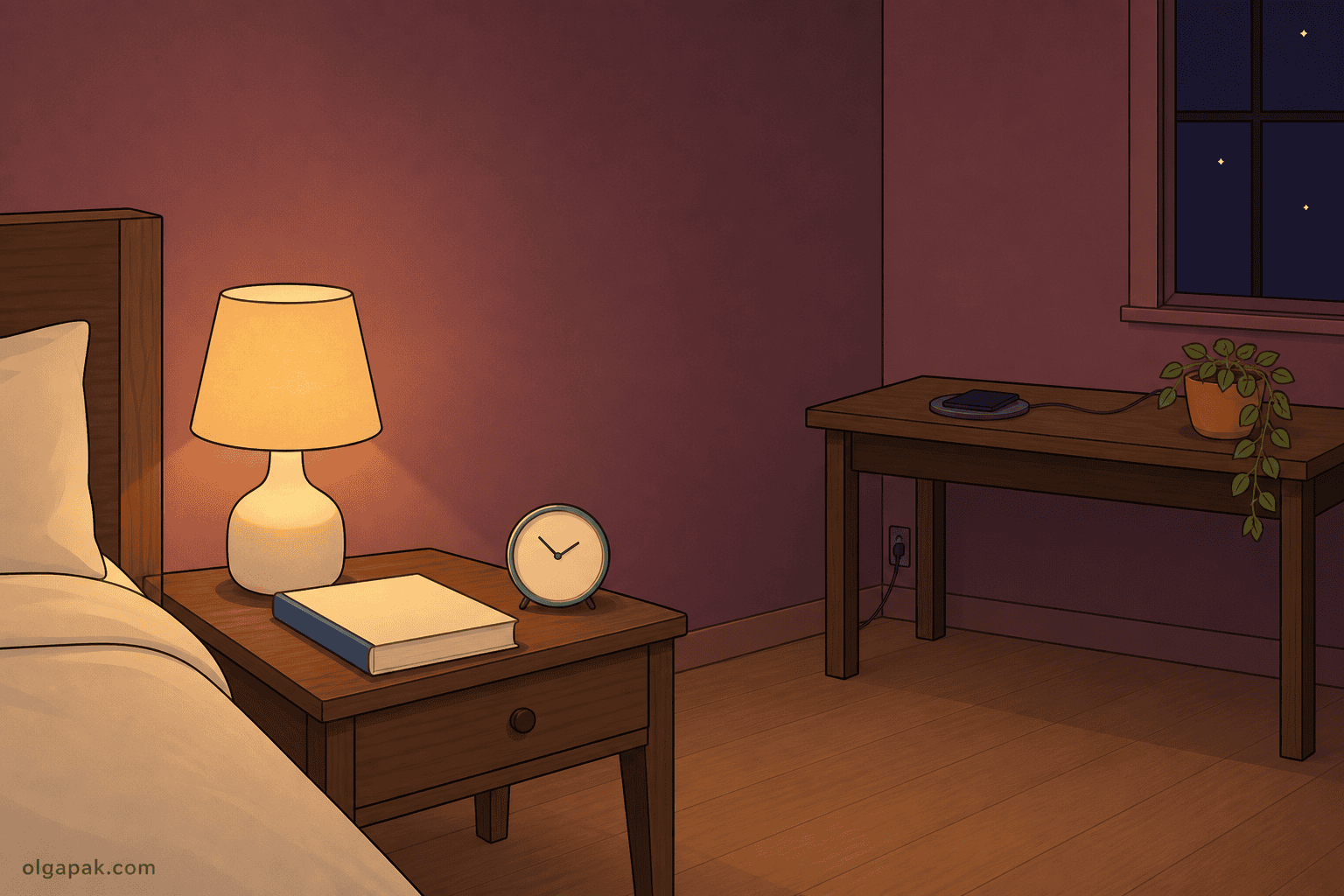
Four habits, same rule as before, one action and one reason each:
- Keep the phone further than arm’s reach while you’re working. One person on X listed this among the changes that got their own daily total under 90 minutes, and the mechanism is embarrassingly simple: a phone you’d have to stand up for interrupts you far less than one you can reach without looking.
- Give your leisure phone time its own slot instead of letting it fill every gap. Scrolling isn’t the problem here, unscheduled scrolling is, and giving it a block on the calendar turns it from a leak into a plan.
- Don’t take the phone to the table or the bathroom. Both are short, both are automatic, and both are where a two-minute check turns into twenty without any decision being made.
- Charge it outside the bedroom overnight. This is the one I’d start with, because the payoff (a first hour that starts with you rather than a feed) shows up the very next morning.
Which one of those four would actually change your week? Pick that one. Not all four.
Here’s where my own experience is worth more than a tip. The thing that finally organized my working time was timeboxing, which just means giving a task a fixed slot on the calendar and stopping when the slot is up. I adopted it to beat Parkinson’s Law, the observation that work expands to fill however much time you give it, and it worked because a two-hour task genuinely does shrink to fit ninety minutes when ninety minutes is all it gets.
What surprised me was that leisure obeys the same law. Given no slot at all, scrolling expands into every crack in the day. Given forty minutes on the calendar with an end time, it stays roughly forty minutes and, oddly, feels better. Guilt-free scrolling turns out to be scheduled scrolling.
Step 4: What to do when the limits stop working
Let’s name it plainly, because every guide skips this part and every reader has already lived it. You will tap Ignore Limit. You’ll switch grayscale back on the morning you need to see a photo properly and never switch it off again. You’ll delete the app and then open the same site in your browser, logged in, exactly as before.
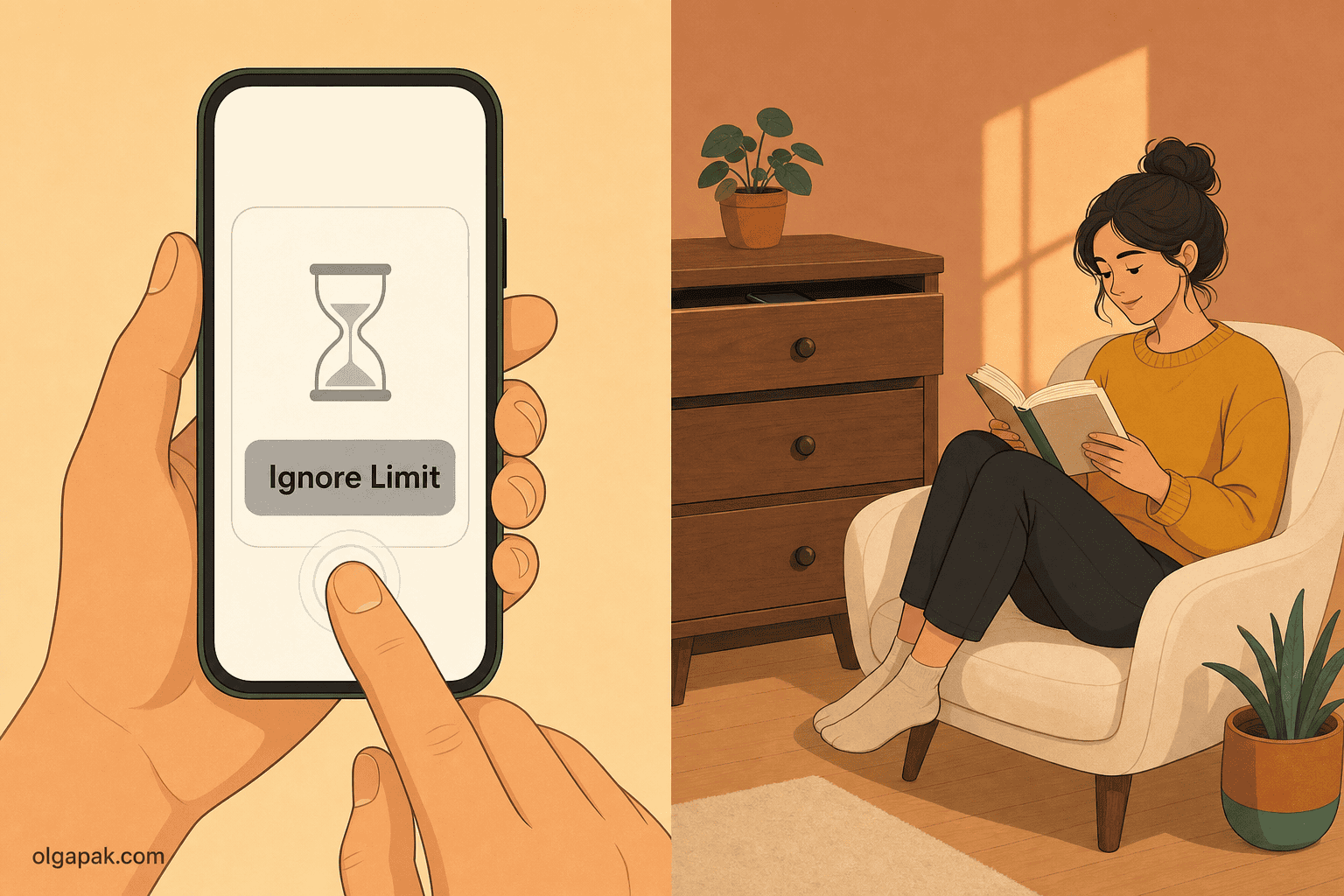
This is the most common outcome, not a personal failing. One commenter on r/digitalminimalism described it exactly: “I’ve used app blockers that lock apps, but I always found ways around them. I tried switching my phone to grayscale, but that didn’t last either.” Another, on the same subreddit, found that deleting the app just relocated the habit: instead of instinctively opening Reddit, they instinctively opened Safari and went to Reddit, “to the exact same result.”
So why does it collapse? Two reasons, and neither one is about willpower.
- A limit you can dismiss in one tap isn’t a limit. It’s a suggestion with a nice interface.
- The reach for the phone is usually answering a feeling rather than making a decision, and no setting on earth addresses a feeling.
That second one shows up most clearly at night. Two people in the same r/getdisciplined thread described it independently: one said that as bedtime approaches they feel anxious or restless and scrolling is an easy way to distract themselves from that, and the other put it even better, writing that scrolling at night “was less about boredom and more about avoiding that restless feeling you get when everything goes quiet.” Once you know that’s what’s happening, the tactic changes. You’re not fighting a habit. You’re avoiding five minutes of quiet.
Three moves, in escalating order, and the first one is often enough on its own.
Add friction you can’t undo in the moment. Not a limit you dismiss, a delay you can’t. Distance is the cheapest version: the phone in another room, in a drawer, in a bag with a zip. There are also apps whose whole job is to put a wait between your tap and the feed opening, turning an automatic tap into a decision you make on purpose. Any of these works for the same reason: the reflex needs the gap to be zero, and you’re making it not zero.
Hand the decision to someone else, or to a place. Your future self at 11pm is not the person who set that limit and does not respect them. So take the choice out of their hands. Let a partner or flatmate set the passcode on your limits. Leave the phone on the kitchen counter on your way to bed, every night, as a rule about a place rather than a rule about willpower. Places are much better at holding rules than intentions are.
Replace, don’t just remove. This is the one people skip and it’s the one that decides whether any of this survives. Freed-up time doesn’t stay free, it refills with whatever’s nearest, and if the nearest thing is your phone then you’ve built a loop. So decide in advance where the hour goes, and make it something you genuinely enjoy rather than something virtuous you think you should want. A chore will lose to a feed every single time. If you’re short on candidates, I’ve collected things to do instead of reaching for your phone that don’t require a new hobby or any equipment, and if you’d rather the hour went somewhere that compounds, there are screen-free hobbies worth sticking with sorted by what each one actually costs to start.
And here’s the permission you actually need, which comes from the best evidence in this whole post. Researchers ran a trial published in PNAS Nexus where people blocked mobile internet on their phones for two weeks, keeping calls, texts and their computers. Only about a quarter kept the block running for even ten of the fourteen days. And 91% of participants improved on at least one measure of well-being, attention, or mental health anyway. Read that twice if you need to. Three quarters of them did it imperfectly and it still counted.
Don’t forget the laptop
Your phone dashboard flatters you. It shows you a number, you feel appropriately bad about it, and the entire time there’s a second screen sitting open in front of you that nobody is counting.
So how big is your other number?
For students and early-career workers especially, the laptop is where the “just one tab” leak lives, and it’s often the bigger number. One person on X did the honest arithmetic in public: their average last week across laptop and phone was 9 hours 40 minutes, and they admitted most of it wasn’t productive. Their phone number alone would have looked fine.
Three moves, and the third is the one that lasts:
- Count the laptop hours too, so the number is real. Most operating systems and browsers have usage reporting built in, and even a rough weekly estimate written next to your phone total changes what you’re aiming at.
- Move things onto the laptop deliberately. Email, long documents, anything that needs reading properly. Doing this on purpose stops the phone from being the default screen for everything, which is half of why it accumulates hours it never earned.
- Decide in advance where the reclaimed time goes. An hour you win back on Tuesday will find something to fill it by Tuesday evening, so plan your week with that hour already spoken for. Otherwise the hour comes back and the scrolling comes with it.
Keep this half simple. You don’t need a second system for the laptop, you need the laptop included in the first one.
How much screen time should you actually aim for?
Here’s the number everyone wants and nobody in the top search results will state plainly. The US National Heart, Lung, and Blood Institute publishes guidance of no more than two hours a day of recreational screen time.
Now let me defuse it, because that number does more harm than good if you read it wrong.
Note the word recreational. This is the two-pile split doing its work again: the guidance was never about the hours you spend working, studying, or on a call with your family. Your work day doesn’t count against you here, and any advice that makes it count is advice you can ignore.
And should you be aiming at two hours by Friday? No.
For most people reading this, two hours is not this month’s target. It’s the destination on a map, not tomorrow’s walk. The better target is your leaked-pile number minus an amount you’ll actually hit, which for many people means going from a leak of four hours to a leak of three and then leaving it there for a while. In that same two-week trial, the group that blocked mobile internet roughly halved their screen time, from a little over five hours a day to under three. They didn’t get to zero either.
The payoff I’d hold onto from that trial isn’t a productivity gain, incidentally. Participants reported sleeping a little more, and while that particular effect was small, it’s the one that compounds, partly because the relationship runs both ways: excessive screen time is linked to sleep problems, so the hour you claw back off the late feed tends to pay you twice.
Pick one tier and do it tonight
You don’t need a perfect week to learn how to reduce screen time in a way that holds. You need one tier of this guide done before you go to bed: the audit, or the app limits, or the charger moved across the room. Whichever one you’d actually finish.
And because some of your screen time is just reading that has to happen, try my free AI tools to automate the mundane. The Text Summarizer turns a long article or report into something you can get through in a minute, which shrinks a pile of screen time you were never going to skip anyway.
FAQ
How do I reduce my screen time if app limits never work for me?
That’s the most common outcome, not a willpower failure. What changes the result is friction you can’t undo in the moment, meaning distance rather than a dismissable prompt: the phone in another room, in a drawer, or behind a passcode someone else set. Pair it with a replacement you genuinely enjoy, because freed-up time refills with whatever is nearest.
What is a realistic screen time target?
The common reference point is no more than two hours a day of recreational screen time, which comes from US health guidance and covers leisure use, not work or study. For most people that’s a destination rather than this month’s goal. A better target is your own leaked-hours number minus an amount you’ll actually hit, because partial reduction still pays.
Does reducing screen time actually improve anything?
In a trial published in PNAS Nexus, people who blocked mobile internet on their phones for two weeks improved on attention, mental health and well-being, with 91% improving on at least one of the three. Only about a quarter actually kept the block running most of the time, and the group still benefited. The honest limit: that’s one trial over two weeks, and the intervention was stricter than anything in this guide, so treat it as encouraging rather than settled.
Is grayscale mode worth turning on?
Yes as a cheap first move, no as a plan. Draining the color out of your screen does take some of the pull out of a feed, and it costs you one setting. The catch is that it’s the easiest setting to abandon: undoing it takes one tap, usually the first time a photo needs real color. Treat it as one item in the ten-minute setup rather than the thing you’re relying on.
Should I just delete social media apps?
For some people yes, and it’s clean when it works. For plenty of others it relocates the habit to the browser, where the same feed is one tab away. If you delete an app, pair it with something that closes the browser route too, such as logging out so you have to retype your credentials, and with a decision about what the freed time is for.